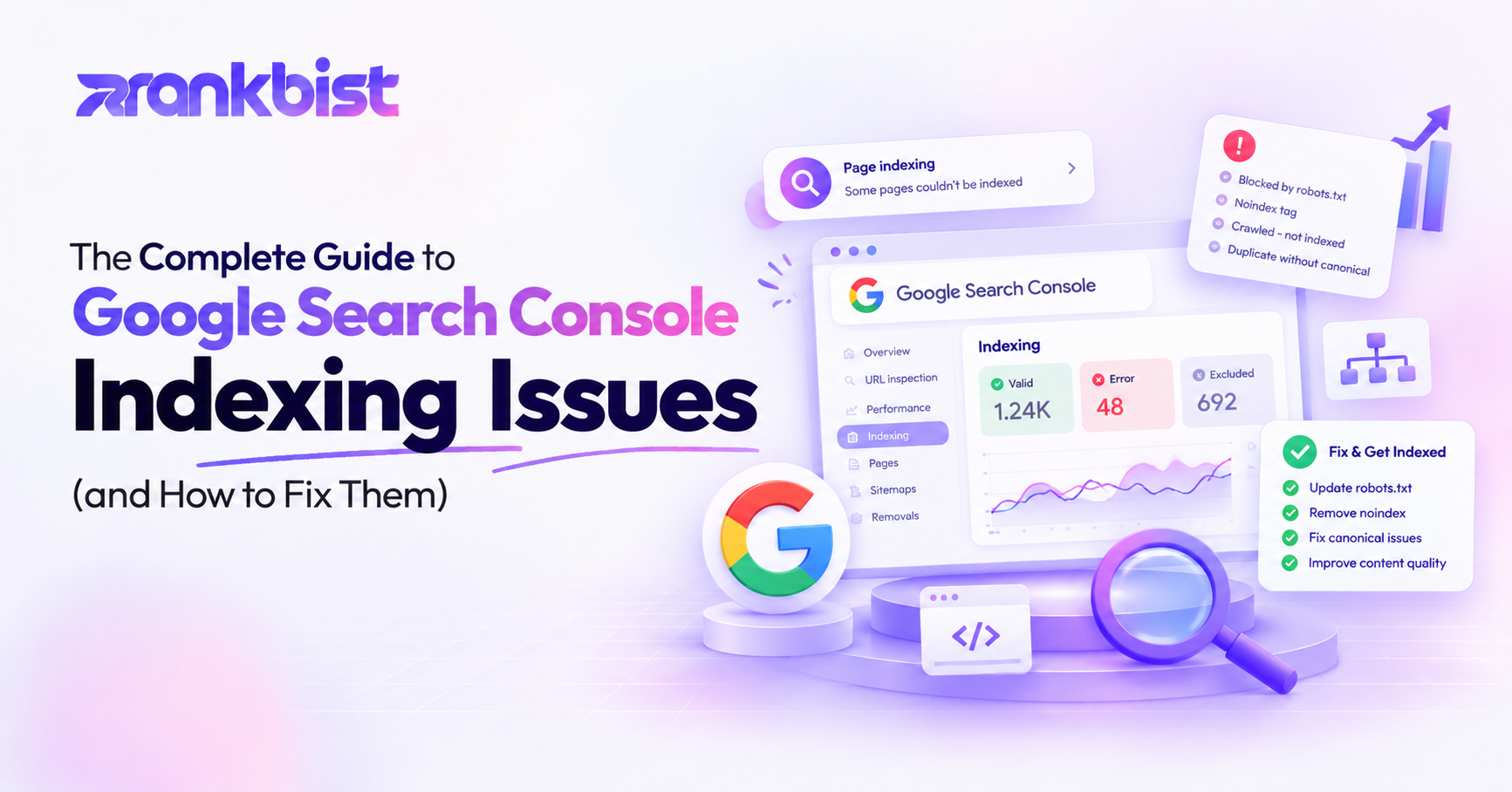
The Complete Guide to Google Search Console Indexing Issues (and How to Fix Them)
Seeing pages stuck in “Discovered – currently not indexed” or “Crawled – currently not indexed” is one of the most frustrating experiences in SEO. The good news is that most of these issues have clear causes and practical solutions.
This guide explains every major indexing status you will encounter in Google Search Console, what it actually means, and the step-by-step process to fix it.
How Google Indexing Works (Short Version)
Google roughly follows this process:
- Discovery — Finds the URL via links, sitemaps, or previous crawls.
- Crawling — Visits the page and downloads the content.
- Rendering — Executes JavaScript if needed and builds the final DOM.
- Indexing — Decides whether the page is useful enough to store and serve in search results.
Problems can occur at any stage. Search Console now gives relatively clear labels for many of these problems.
The Most Common Indexing Statuses and How to Fix Them
1. Crawled – currently not indexed
What it means:
Google successfully crawled the page but chose not to add it to the index.
Common reasons:
- Thin or low-value content
- Duplicate or near-duplicate content
- Soft 404 (page looks like an error page)
- Crawl budget prioritization on large sites
- Poor internal linking (page is hard to discover as important)
How to fix it:
- Improve the content so it offers clear value that other pages on the site do not.
- Strengthen internal links to the page from relevant, high-authority pages.
- Ensure the page returns a proper 200 status and does not look like an error page.
- Check for accidental noindex tags or meta robots.
- Request indexing via the URL Inspection tool after improvements.
2. Discovered – currently not indexed
What it means:
Google knows the URL exists but has not crawled it yet (or has deprioritized crawling it).
Common reasons:
- Very new page
- Weak internal linking
- Large site with limited crawl budget
- Low perceived importance
How to fix it:
- Add strong internal links from important pages.
- Include the URL in an XML sitemap and submit it.
- Improve the overall authority and internal linking structure of the site.
- Request indexing for high-priority pages.
3. Excluded by ‘noindex’ tag
What it means:
The page contains a noindex directive (meta robots or X-Robots-Tag).
How to fix it:
Remove the noindex tag if the page should be indexed. Then request indexing.
4. Blocked by robots.txt
What it means:
The robots.txt file is preventing Googlebot from crawling the page.
How to fix it:
Update robots.txt to allow crawling (if appropriate). Remember that allowing crawling does not guarantee indexing.
5. Soft 404
What it means:
The page returns a 200 status code but the content looks like a “not found” or empty page to Google.
How to fix it:
- Return a proper 404 or 410 status for pages that no longer exist.
- For pages that should exist, add substantial, unique content.
- Avoid thin placeholder pages.
6. Duplicate without user-selected canonical
What it means:
Google found multiple versions of the content and chose a canonical different from the one you specified (or you didn’t specify one).
How to fix it:
- Implement clear rel=canonical tags pointing to the preferred version.
- Use consistent internal linking to the canonical URL.
- Resolve any parameter or trailing-slash inconsistencies.
7. Alternate page with proper canonical tag
What it means:
This is usually not an error. Google is correctly recognizing the page as an alternate version and is indexing the canonical instead.
When to act:
Only if the wrong page is being chosen as canonical.
8. Page with redirect
What it means:
The URL redirects to another page. Google generally indexes the final destination.
When to act:
If you have long redirect chains or unnecessary redirects, clean them up.
A Practical Diagnostic Workflow
When you see indexing problems, follow this order:
-
URL Inspection tool
Paste the exact URL. Look at the “Page indexing” section and the crawled HTML / rendered HTML if available. -
Check for technical blockers
- robots.txt
- noindex
- unauthorized (login walls)
- soft 404 behavior
- canonical conflicts
-
Evaluate content quality
Is the page thin? Is it substantially different from other pages? Does it satisfy the search intent? -
Check internal linking and discovery
How many internal links point to this page? Are they from important pages? -
Look at the broader site context
On large sites, crawl budget and prioritization play a bigger role. -
Make improvements and request indexing
After fixing the root cause, use the URL Inspection tool to request indexing.
Special Cases Worth Knowing
JavaScript-heavy pages
If important content only appears after JavaScript execution, Google may not always see it reliably. Use the URL Inspection “View crawled page” and “More info” → “Rendered HTML” to verify what Google actually sees. Server-side rendering or pre-rendering critical content often helps.
Pagination and parameter URLs
These frequently create duplicate or low-value pages. Use canonicals, parameter handling in Search Console, and clean information architecture.
International / hreflang sites
Incorrect hreflang implementation can cause indexing confusion. Validate hreflang carefully.
How Long Do Fixes Take?
- Technical fixes (removing noindex, fixing robots.txt): often re-crawled and re-evaluated within days.
- Content and internal linking improvements: usually 1–4 weeks.
- Larger site architecture changes: can take longer as Google recrawls and reassesses the site.
Consistency matters more than one-off requests. Google rewards sites that systematically improve quality and technical health.
Preventing Future Indexing Problems
- Maintain a clean XML sitemap that only includes canonical, indexable URLs.
- Use a logical internal linking structure so important pages are easy to discover.
- Avoid publishing thin or near-duplicate pages.
- Monitor the Page indexing report regularly.
- Fix issues in batches rather than one by one when possible.
Final Thoughts
Most “why is this page not indexed?” problems have logical explanations once you look at the combination of technical signals, content quality, and site structure. The URL Inspection tool combined with the Page indexing report gives you nearly everything you need to diagnose the issue.
Focus first on removing clear blockers (noindex, robots.txt, soft 404s). Then improve content usefulness and internal linking. Over time, a higher percentage of your valuable pages will be indexed and eligible to rank.
Indexing is the foundation. Without it, even the best content cannot perform.
Frequently asked questions
How long does it take for Google to re-index a fixed page?
Usually between a few days and three weeks. Using the URL Inspection tool and requesting indexing can speed it up.
Is “Crawled – currently not indexed” always a problem?
Not always. Google may decide the page is not useful enough or too similar to other pages. Improving quality often helps.
Can I force Google to index a page?
You cannot force it, but you can request indexing and remove obstacles (noindex, robots.txt blocks, poor quality, etc.).
Rank faster with Rankbist
The automated SEO engine that finds what holds your pages back and fixes it.
- Free plan, no card needed
- AI fixes in one click
- Real Google rankings and indexing