How to Get Your Important Pages Indexed by Google Faster in 2026
A page that Google has not indexed is invisible in organic search. No amount of perfect content, backlinks, or Core Web Vitals will help if the URL never enters the index. In 2026 this remains one of the most common and costly problems for growing sites.
Many teams only discover the issue months later when rankings fail to appear. By then the page has already lost its best chance of ranking for competitive terms. The solution is simple in concept but rarely executed well: know exactly which pages are indexed, understand the real reason the others are not, and fix the blockers before they become permanent.
This guide shows the practical workflow that teams use to move important pages into Google’s index faster and keep them there.
Why Pages Stay Out of the Index
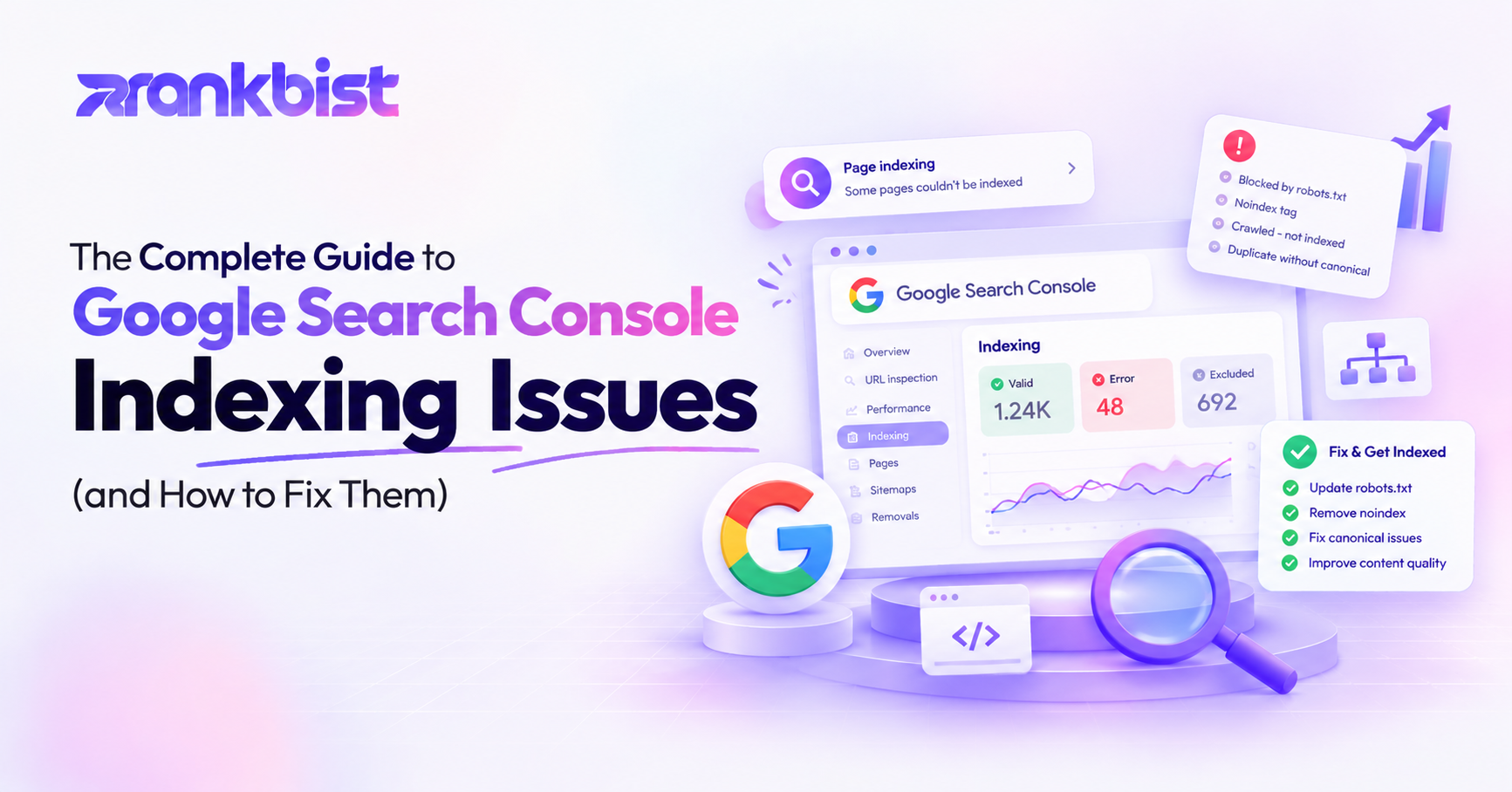
Google does not index every URL it discovers. Common reasons include:
- The page is blocked by robots.txt or a noindex tag
- The page returns a soft 404 or other error status
- The content is considered duplicate or near-duplicate of another page
- The page is orphaned and has almost no internal links
- Crawl budget is limited and Google prioritizes other URLs
- The page is new and has not been crawled yet
Some of these problems are easy to fix. Others require structural changes. The key is knowing the exact reason for each important page instead of guessing.
Google Search Console shows index status, but the data is often delayed, limited to sampled pages, and written in technical language. A dedicated indexing checker that pulls the status page-by-page and explains every “not indexed” reason in plain English removes the guesswork.
The Daily Monitoring Advantage
Important pages should be watched every day. Product pages, money landing pages, and key blog posts that drive revenue cannot wait for a weekly manual check. When a high-value page drops out of the index, the team needs an alert within hours, not days.
A good system:
- Pulls index status directly from your Search Console property
- Lists every important page with its current status
- Explains the reason in plain language when a page is not indexed
- Re-checks priority pages daily
- Sends an alert the moment a watched page falls out
This closed loop turns indexing from a one-time task into an ongoing process.
You can see exactly how this works on the Rankbist Google indexing page.
Step-by-Step Process to Get Pages Indexed Faster
1. Identify the pages that matter most
Not every URL needs daily attention. Start with:
- Revenue pages and main product or service pages
- High-traffic blog posts and guides
- New content published in the last 30 days
- Pages that previously ranked and then disappeared
Create a short priority list of 20–50 URLs. These become the pages you monitor daily.
2. Check current index status
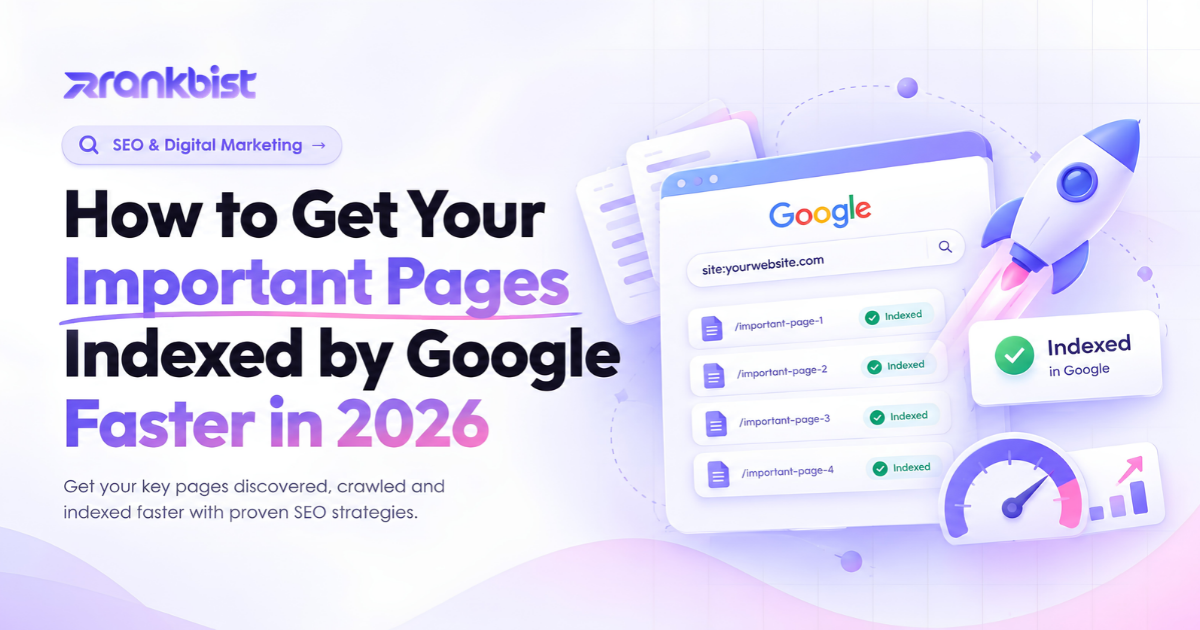
Run the priority list through an indexing tool that uses your own Search Console data. For each URL you should see:
- Indexed or Not indexed
- The exact reason if it is not indexed
- When the status was last checked
Avoid tools that only estimate index status. Real data from Search Console is the only reliable source.
3. Fix the blockers in priority order
Typical high-impact fixes:
- Remove accidental noindex tags
- Open the URL in robots.txt if it was blocked
- Fix soft 404s and major status-code errors
- Add internal links from strong pages so Google can discover the URL
- Resolve canonical conflicts that point to a different version
- Improve thin or near-duplicate content so the page is worth indexing
After each fix, request indexing again through Search Console or wait for the next natural crawl.
4. Confirm the page enters the index
Re-check the same URL after 24–72 hours. Most legitimate pages appear once the technical blockers are gone. If the page remains unindexed, dig deeper into content quality, internal linking, or crawl budget.
5. Keep watching
Set daily monitoring on the priority list. An alert when a money page drops out lets you react before traffic disappears.
How Indexing Connects to the Rest of Technical SEO
Indexing problems rarely exist in isolation. They often appear alongside:
- Poor internal linking (orphan pages)
- Slow Core Web Vitals that discourage crawling
- Duplicate content that makes Google choose a different version
- Missing or outdated sitemaps
A complete workflow therefore combines the indexing checker with a full site audit and regular content quality checks. When the Health Score rises and the important pages stay indexed, rankings become much more stable.
Common Mistakes That Keep Pages Out of the Index
- Publishing new content and never checking whether it was indexed
- Relying only on the “Coverage” report in Search Console without page-level detail
- Fixing low-priority pages first while money pages remain blocked
- Ignoring internal links so Google has no easy path to the new URL
- Requesting indexing repeatedly without fixing the underlying reason
Avoid these five and the same amount of effort produces far more indexed pages.
Why Rankbist Makes Indexing Faster and Clearer
Most SEO platforms either ignore detailed indexing status or force you to dig through Search Console reports yourself. Rankbist treats Google indexing as a first-class feature available in every package:
- Real index status pulled from your own Search Console
- Plain-language explanation for every page that is not indexed
- Daily re-checks on priority pages with alerts when one drops out
- Bulk checks that stay within Google’s limits
- Direct connection to site audits, Lighthouse scores, and rank tracking so you see the full picture in one place
You also get content checks, article generation, keyword research, Brand Radar, local SEO, and Creator Studio under the same login. Paid plans start at $22 a month — roughly half the price of the separate tools most teams currently juggle.
Start with the free plan at rankbist.com. Connect Search Console, add your priority pages, and see which ones Google has actually indexed. Fix the blockers, watch the status change, and keep the important URLs in the index where they belong.
A page that is not indexed cannot rank. The teams that treat indexing as a daily process instead of a one-time hope are the ones that keep growing traffic in 2026.
Frequently asked questions
How long does it normally take for Google to index a new page?
Most healthy pages appear within a few days once they are discoverable and not blocked. Important pages can sometimes take longer if crawl budget is limited or the site has technical issues.
Can Rankbist force Google to index a page?
No tool can force indexing. Rankbist shows the exact reason a page is not indexed and helps you remove the blockers so Google is more likely to include it on the next crawl.
Do I need a paid plan to check Google index status?
No. Google index checks are available on the free plan. Higher packages add more daily checks and priority-page monitoring with alerts.
What is the most common reason important pages stay unindexed?
Accidental noindex tags, robots.txt blocks, soft 404s, and lack of internal links are the four most frequent causes.
How often should I re-check priority pages?
Daily monitoring is ideal for revenue and key content pages. Rankbist can watch them automatically and alert you the moment one drops out of the index.
Does fixing Core Web Vitals help with indexing?
Yes. Extremely slow pages are crawled less often. Improving LCP and INP often increases the chance that Google will both crawl and keep the page in the index.
Rank faster with Rankbist
The automated SEO engine that finds what holds your pages back and fixes it.
- Free plan, no card needed
- AI fixes in one click
- Real Google rankings and indexing